
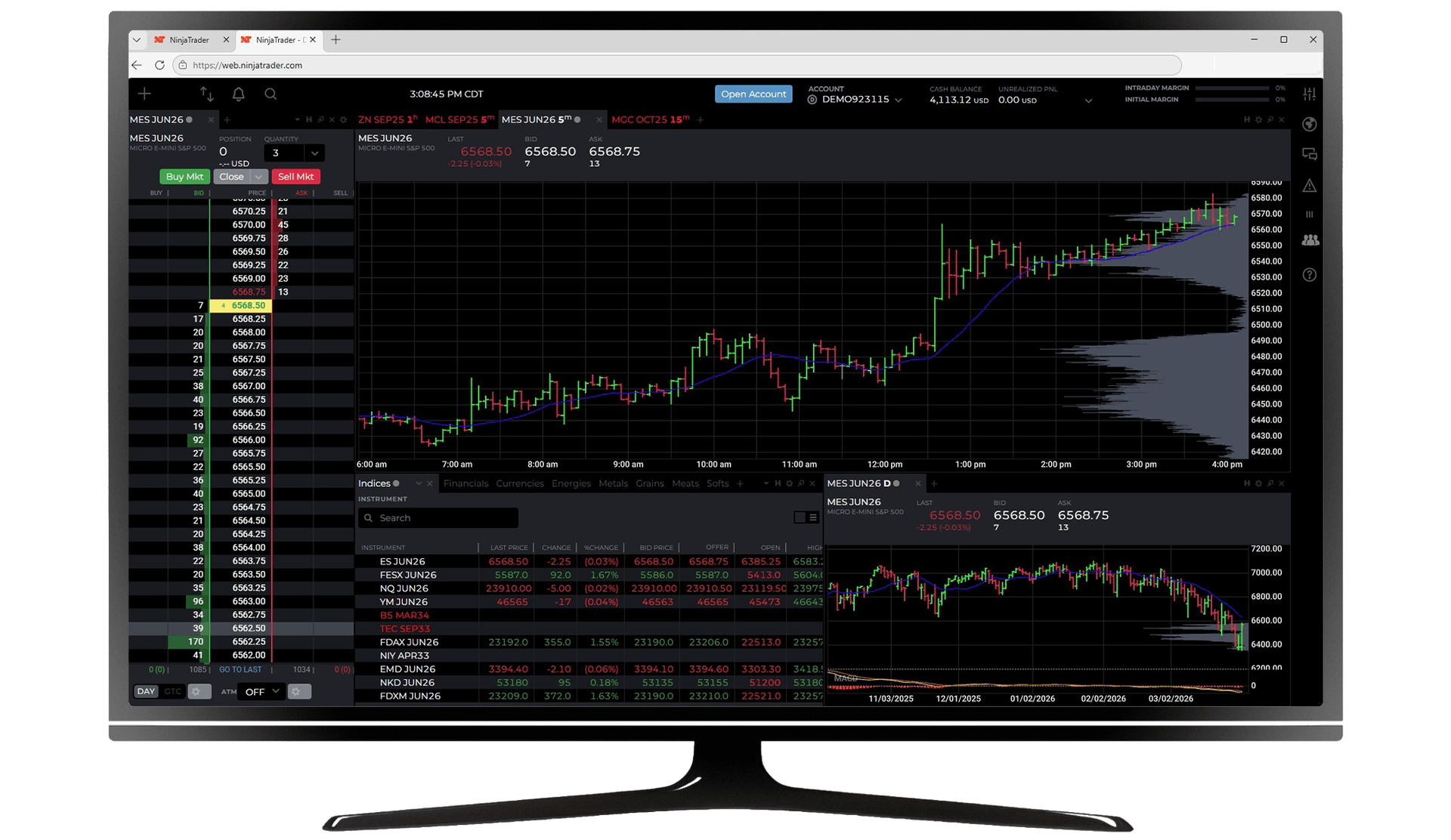
Access the futures markets in seconds—right from your browser. The NinjaTrader Web platform is designed for active traders who want speed, precision, and the freedom to trade without installing software. Open a chart, place a trade, and manage your account from virtually any modern device with an internet connection.
Access DAX (FDAX), Euro Bund, Euro STOXX 50, and US index futures—all on regulated exchanges.
Whether you're stepping away from your primary workstation or prefer a browser-based setup full time, NinjaTrader Web gives you the accessibility to trade futures on the go.
Why trade on NinjaTrader Web?
The NinjaTrader Web platform is designed to give futures traders reliable access to powerful tools without the need for installation or manual updates. It combines intuitive design with the core functionality active traders rely on every day.
As part of the broader NinjaTrader futures trading platform suite, the web experience supports different trading styles and experience levels. It's built to help you stay connected to the markets with a clean interface and secure access, so you can focus on executing your trading strategy.
See how futures compare to forex and CFDs →Designed for flexibility and mobility
Trade from virtually anywhere using a supported browser on PC or Mac. Experience fast load times and responsive performance built to help you react to fast-moving futures markets.
Manage intraday positions or monitor longer-term setups with essential tools always within reach. Log in, review the markets, and make decisions without being tied to a single device.
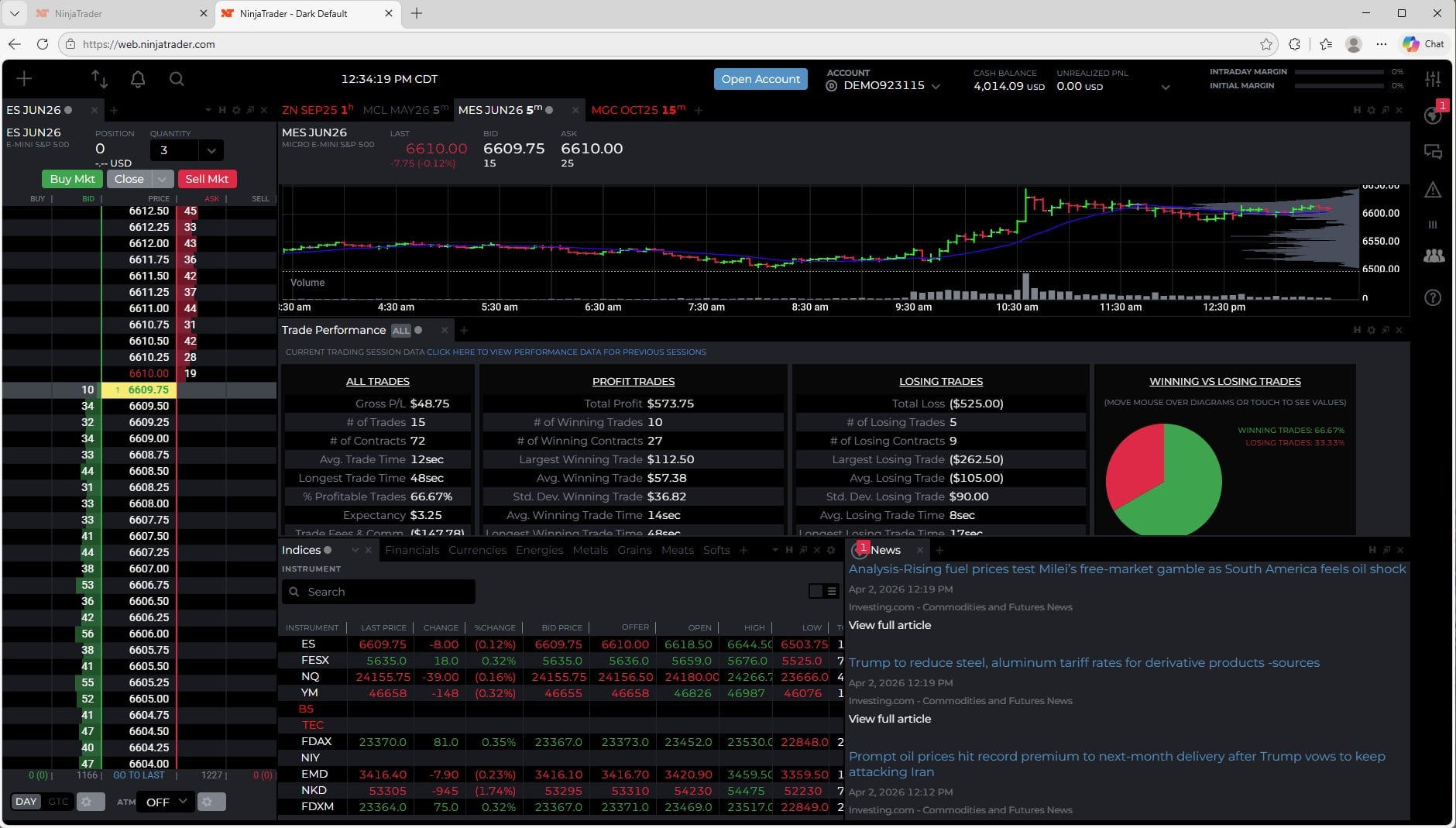
The NinjaTrader Web platform allows you to monitor news, data, charts, and even your own trade performance, while saving room for order entry via the SuperDOM.
Web-based charting and market analysis
Access powerful NinjaTrader charting and analysis web tools directly in your browser. Customise charts, switch between timeframes, and apply popular technical indicators to evaluate price action.
Monitor multiple markets from a single workspace and adjust layouts as needed. Analyse trends, identify key levels, and react to changing conditions in real time with interactive charting tools.
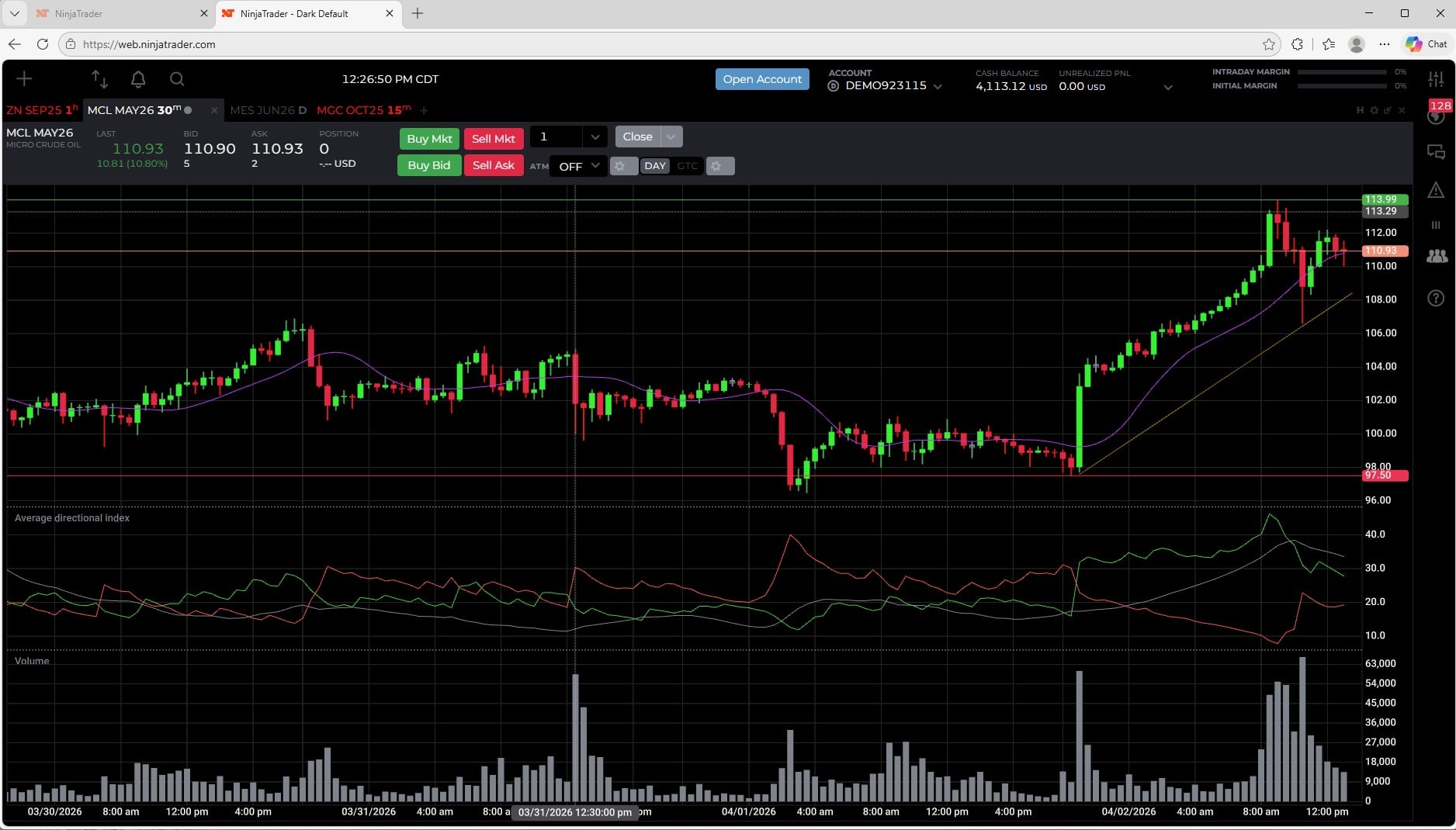
You can focus on sophisticated chart analysis using a customisable interface while still having access to order entry tools.
Advanced order execution tools
Execute trades using NinjaTrader advanced order execution tools built into the web interface. Place market, limit, and stop-loss orders, and manage risk with one cancels the other (OCO) orders.
Modify or cancel working orders with a few clicks and track open positions from a centralised view. Choose between straightforward order entry or more hands-on trade management to support efficient execution in the futures markets.
Learn how futures margins work →Account management and trade oversight
Stay on top of your trading activity with integrated account management tools. View balances, monitor margin usage, and review trade history—all within the same browser session.
Keep charts, order entry, and account details in one place to help streamline your workflow. Manage your futures trading without switching between multiple systems.
Getting started: log in and trade
Getting started with the NinjaTrader Web platform is simple. If you already have a NinjaTrader account, log in through a supported browser and begin exploring the platform today.
New users can:
- Open a live trading account.
- Access a sim environment to practise trading futures risk-free.
- Explore features before funding a live account.
- Fund your account in EUR or USD via SEPA Instant transfer.
It’s a quick way to experience NinjaTrader web trading software and become familiar with its tools before trading live.
Trade DAX, Euro Bund, and US index futures directly from your browser. NinjaTrader Web—no download, MiFID II investment firm, available to EU traders.

*Supported browsers and requirements
The NinjaTrader Web platform is compatible with modern, up-to-date browsers on Windows and Mac systems. A stable internet connection is essential for real-time data, charting, and order execution.
Because the platform runs entirely in your browser, there's no installation process or manual updates to manage. Simply ensure your browser is current and configured to allow cookies and JavaScript for the best experience.
With minimal setup and secure web access, you can log in and start trading futures from virtually anywhere.
FAQs
The platform offers an intuitive layout and access to a simulated environment*, which can help newer traders practice and build familiarity before going live.
Introduction to futures trading →
*Simulated trading is hypothetical and does not reflect actual trading or real-world results.
Best for: monitoring positions, reviewing charts, and executing orders when away from your primary workstation.
Desktop advantage: strategy development, NinjaScript, advanced backtesting, and third-party tools.
Supported: market, limit, stop-loss, OCO.
Management: modify, cancel, and track all open orders from one view.
Requirements: Supported browser + NinjaTrader account login.
No setup: no download, no install, no updates... ever.
How to trade futures →