
Now place your first trade.
You've done the hard part: opened and funded your account. This guide walks you through your first futures trade on NinjaTrader, from picking an order type to managing risk automatically.
Start with a market you can follow.
NinjaTrader supports a full range of futures contracts. Standard contracts (e.g. ES, NQ) and micro contracts (e.g. MES, MNQ) are both available, with micros offering exposure at a smaller contract size. This walkthrough covers markets commonly considered for a first trade.
Four essential order types.
Order types define when and how your trade fills. Most traders use a mix depending on the setup. Consider starting with market and limit, then layer in stops as your strategy develops.
| Order type | How it triggers | Best use case | Key trade-off |
|---|---|---|---|
| Market | Executes immediately at best available price | Fast entry or exit | Price uncertainty |
| Limit | Executes at specified price or better | Price control | No fill risk |
| Stop | Triggers once price reaches a level | Risk management | Slippage possible |
| Trailing Stop | Moves automatically as the market price changes | Locking in gains | May exit early |
Click the price. Place the trade.
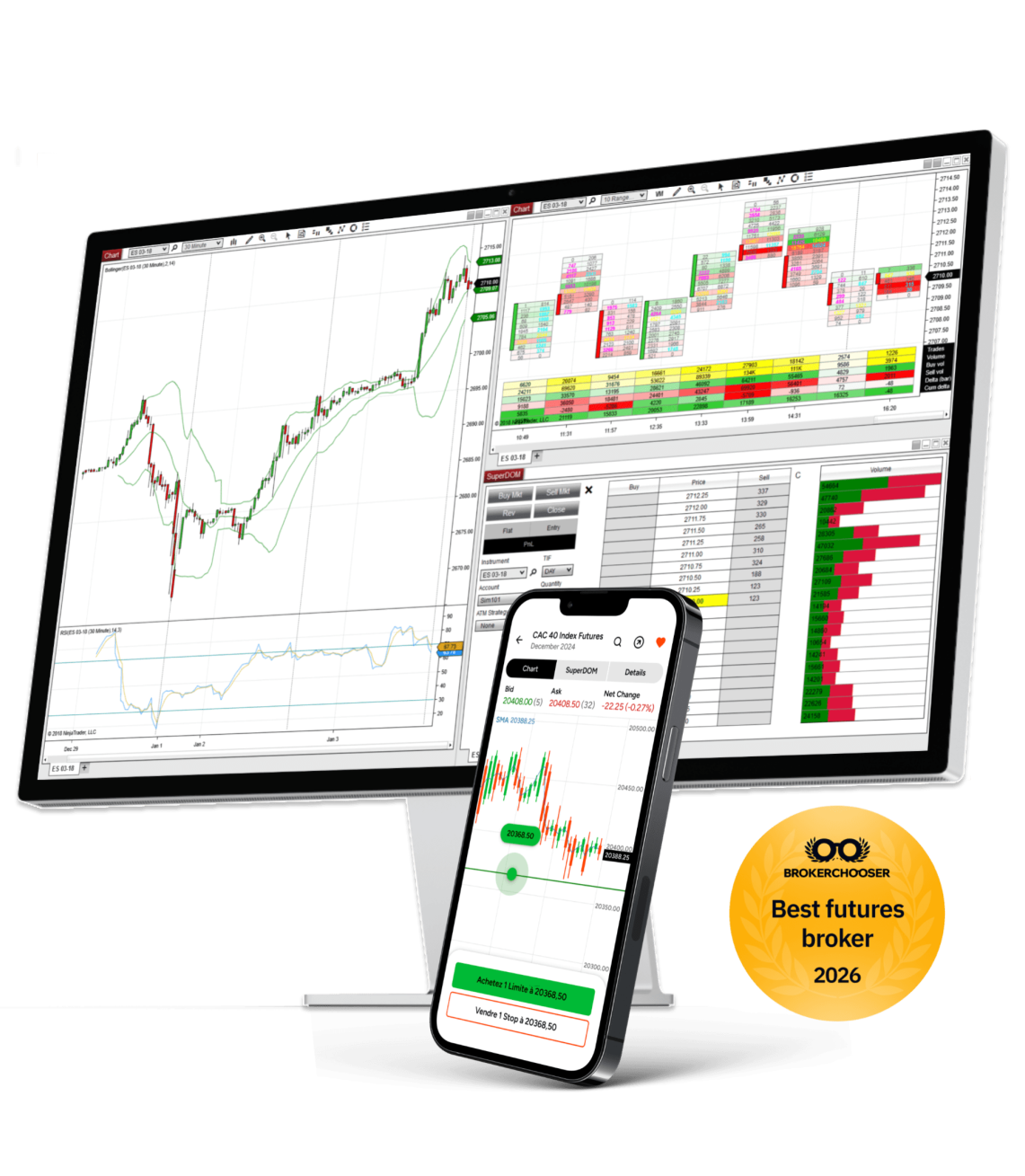
Chart Trader lets you submit, modify, and exit orders directly from your chart, no separate order ticket required. See your bid, ask, working orders, and position visualized right on the price you're trading.
Trade straight from the depth of market.
SuperDOM is NinjaTrader's depth-of-market order entry tool. Place market, limit, and stop orders at any price level visible in the ladder, with one click.
Five questions before your first trade.
Run this mental check before you submit. Confident traders do this on every trade, even after thousands of them.
- Direction: Am I going long or short, and why?
- Size: How many contracts will I trade?
- Order type: Which order type fits this entry?
- Stop: Where will I exit if I'm wrong?
- Target: Where will I take profit?
You're funded. Start with your first trade.
Your account, your platform, your timing. Log in whenever you're ready to place your first trade.