
NinjaTrader + TradingView
Trade Futures Directly on TradingView With NinjaTrader
Connect your charts to live futures markets and execute trades directly through NinjaTrader.
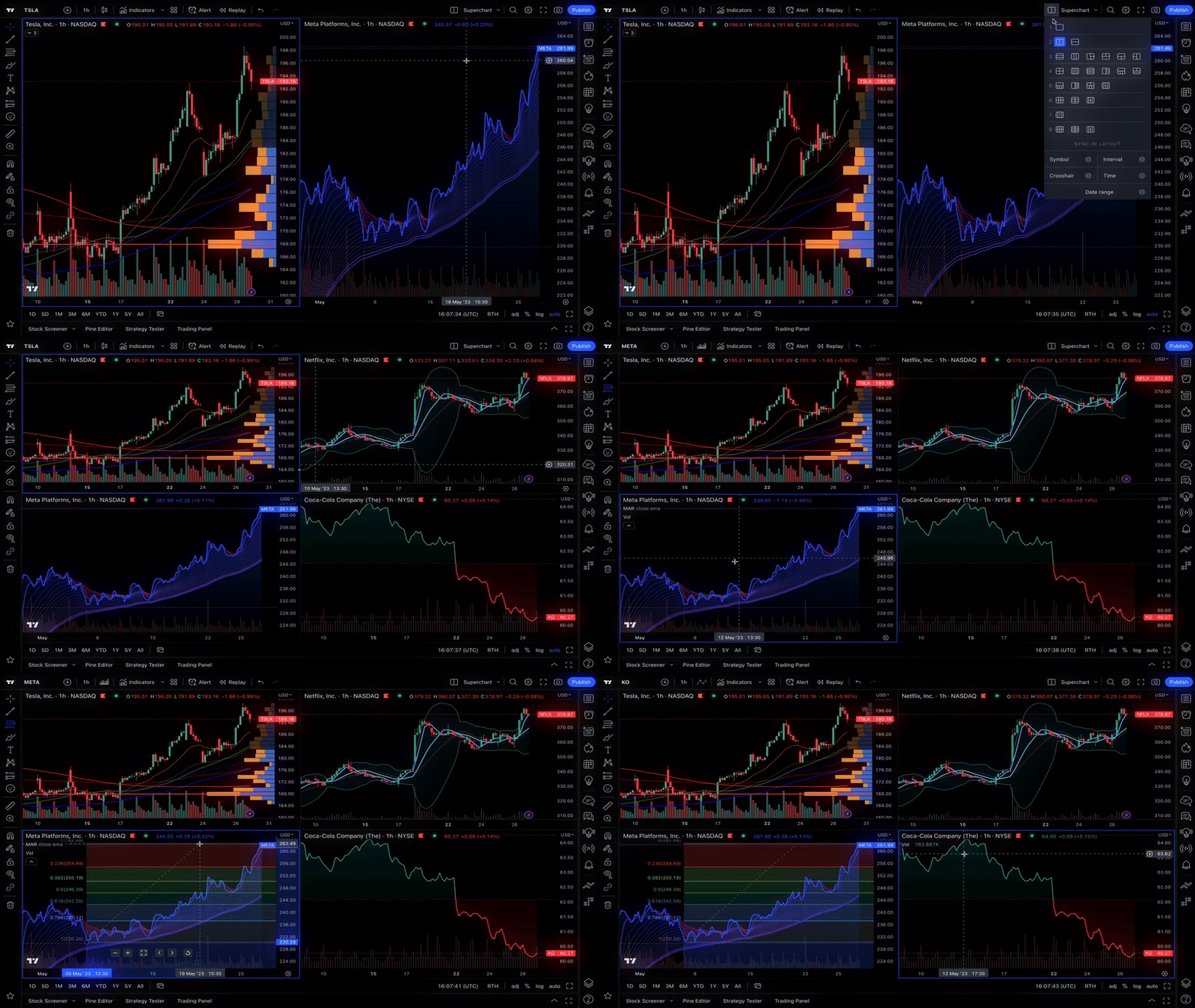
Why Connect NinjaTrader to TradingView?
Analyze, plan, and execute trades in one place. Use advanced charting to identify opportunities, then place futures trades directly from your charts — without switching platforms.
Charting & Analysis
Advanced charts, indicators, and alerts to spot opportunities as they develop.
Trade Execution
Direct access to futures markets through your connected NinjaTrader brokerage account.
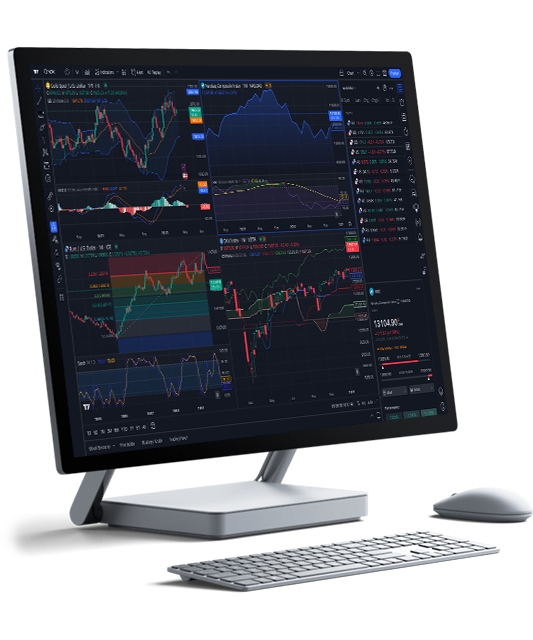
Bring futures to your charts in just three steps:
- Open and fund your NinjaTrader account.
- Connect your account in TradingView.
- Trade futures directly from your charts.
Simple. More control. No extra steps.
TradingView features
Industry-leading charts
Create interactive, responsive charts with 110+ smart drawing tools and customizations.
Advanced technical analysis
Explore 1,000s of built-in and community-built indicators for popular strategies.
Unmissable alerts
Never miss a trading opportunity with 13 notification conditions on price and strategies.
Powerful analytical suite
Screen assets with 100+ descriptive and technical criteria, market news, and reports.
Strategy tester
Simulate trading activity and use historical data to test and refine your strategies and setups.
Pine Script® language
Develop custom indicators with our lightweight yet powerful programming language.

Level up your trading with NinjaTrader and TradingView today!
Connect your NinjaTrader account and bring futures execution directly into your TradingView workflow.